
01 Start a walk
Tap Start when you’re ready.
Your route is recorded from the moment you tap Start until you tap End. No all-day tracking.
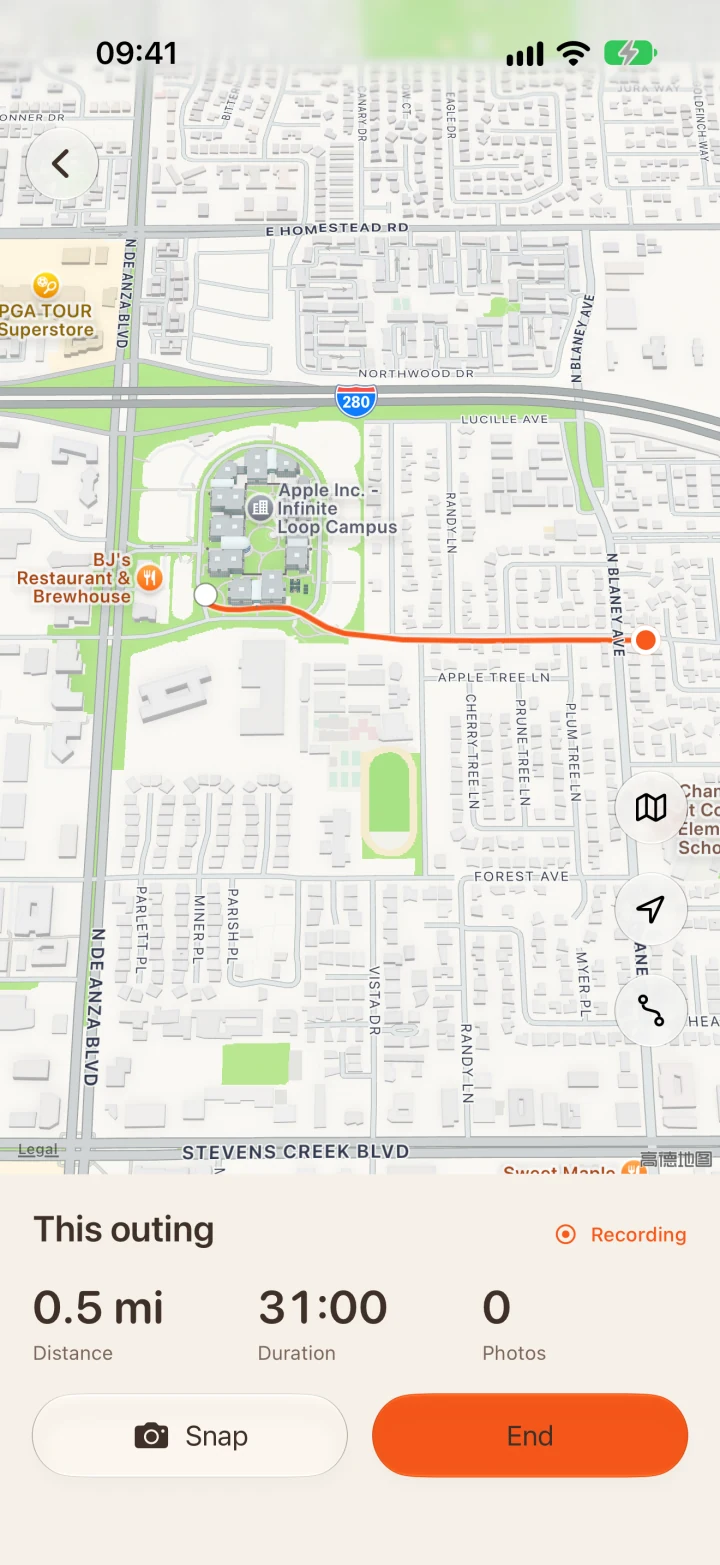
A visual diary for city walks
A walk. A card to keep.
Step out for a walk and take photos as you go. When you return, your route and photos become a card to save or share. No account needed. Everything stays on your iPhone.
iPhone · English / 简体 / 繁體 / 日本語 · 2026
How it works
01 Start a walk
Your route is recorded from the moment you tap Start until you tap End. No all-day tracking.
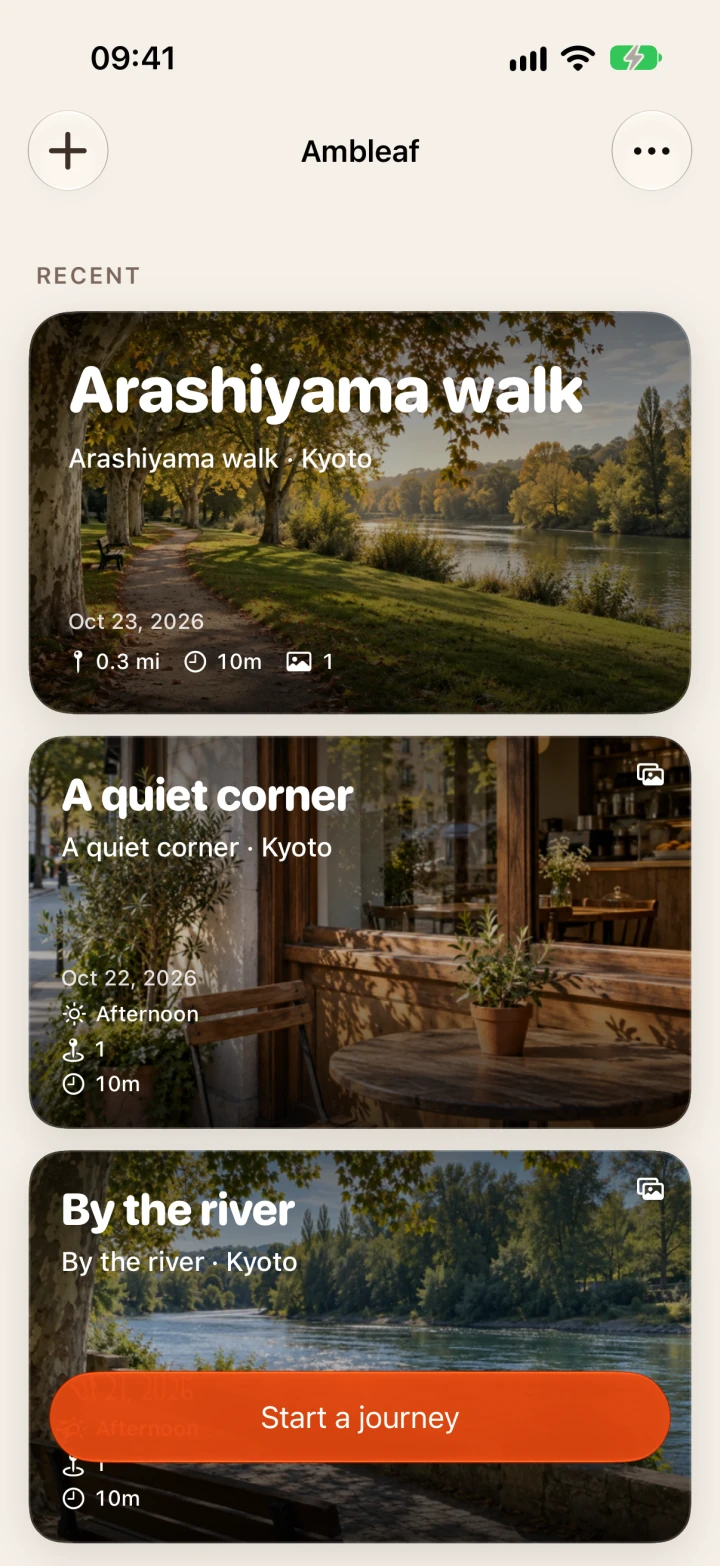
02 Walk and take photos
When you return, each photo goes back to its place on the map.
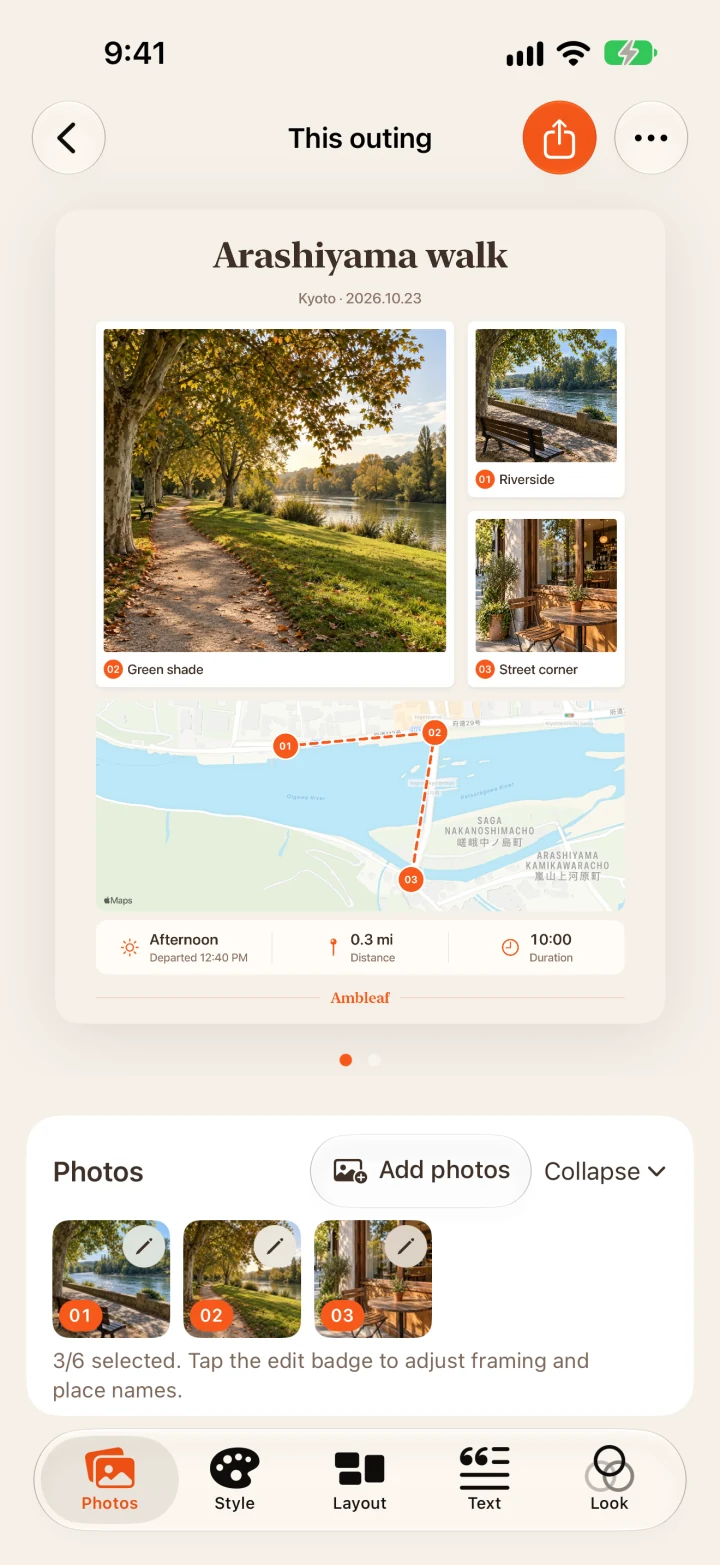
03 Capture this journey
Save your memories, or share them with someone you’d like to walk with.
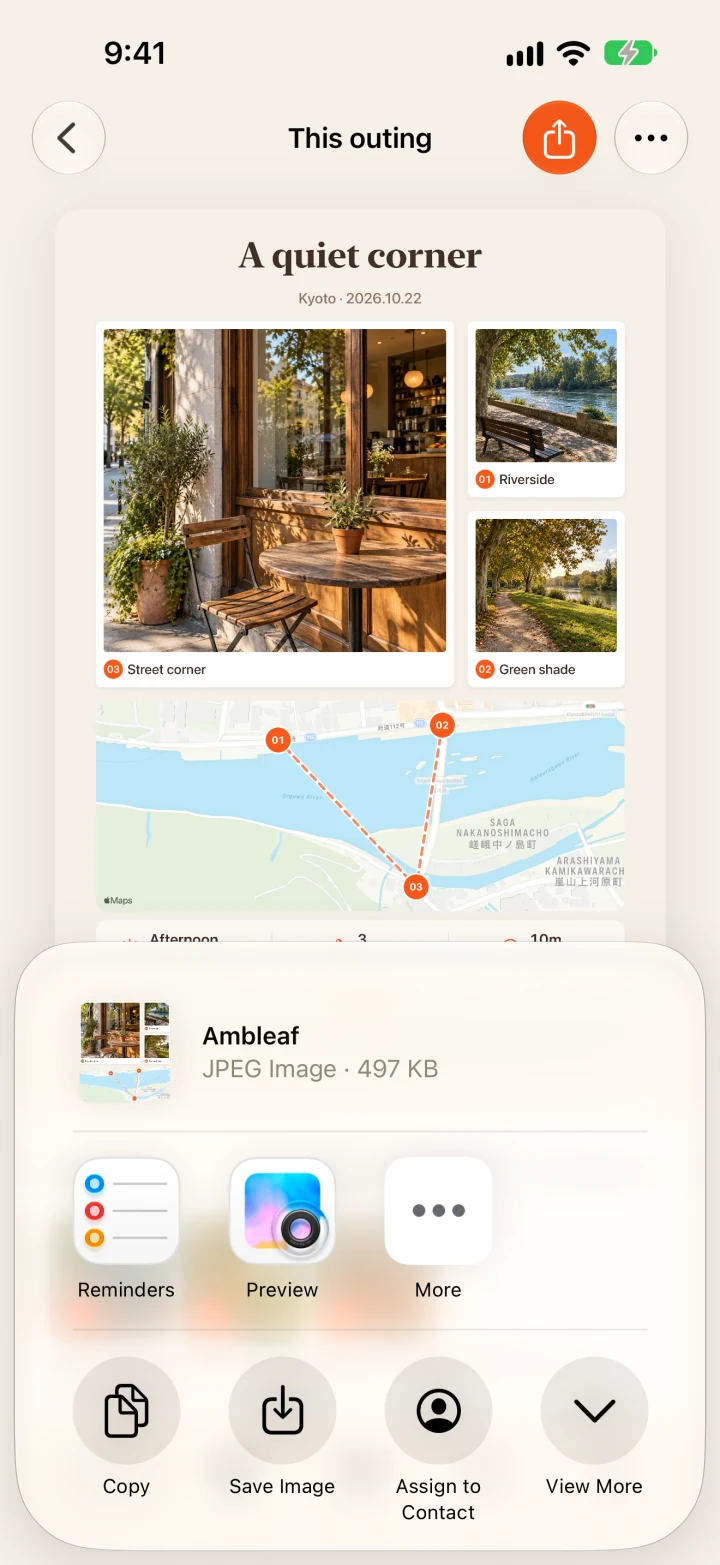
One card
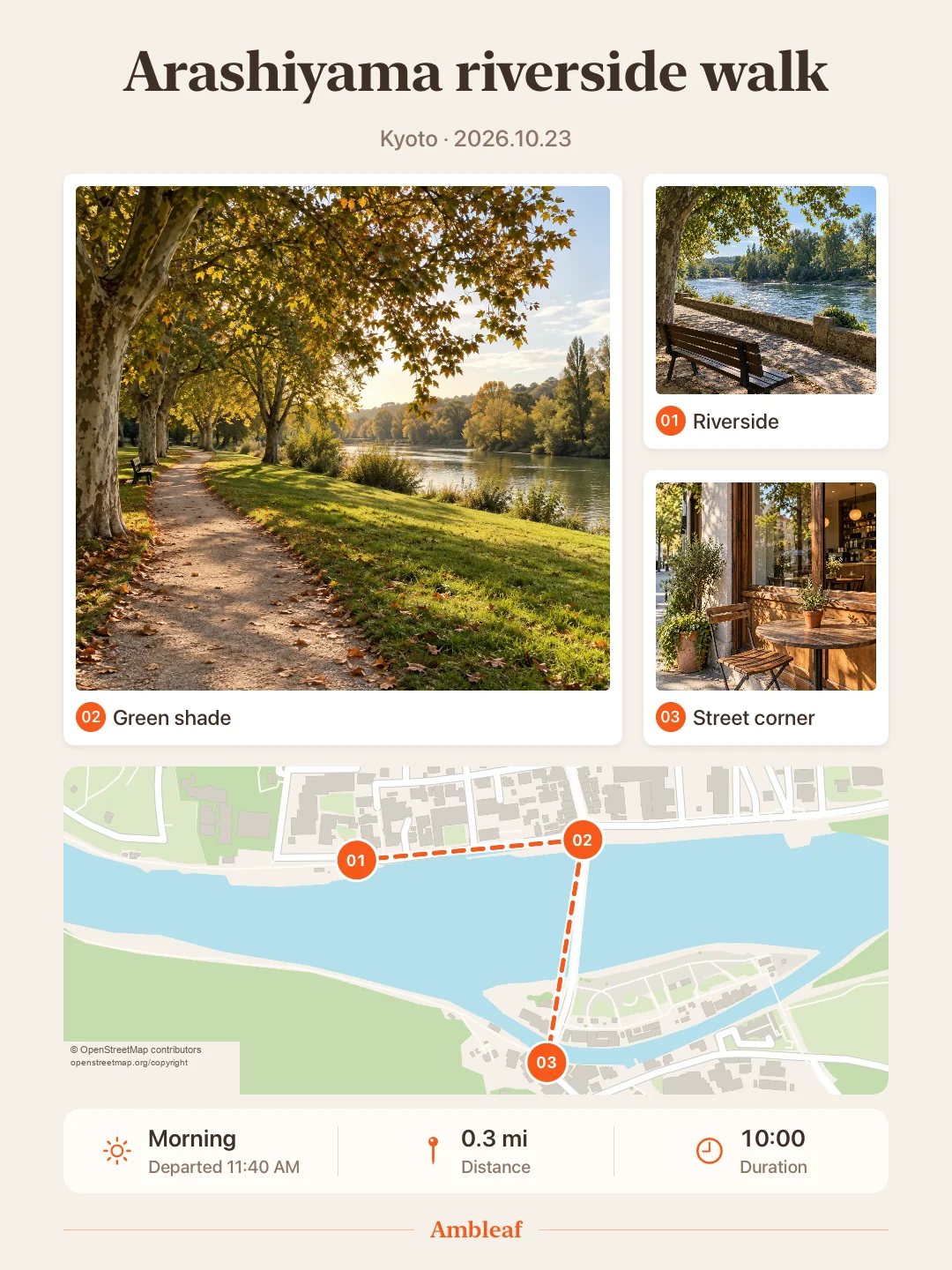
Your photos, the route you walked and how it felt, together on one card.
Privacy
No account needed.
Ambleaf does not upload your outings or photos.
Location is used only between tapping “Start” and “End”.
Read the privacy policySee you out there